Comparing Access Mail Merge with Word Mail Merge
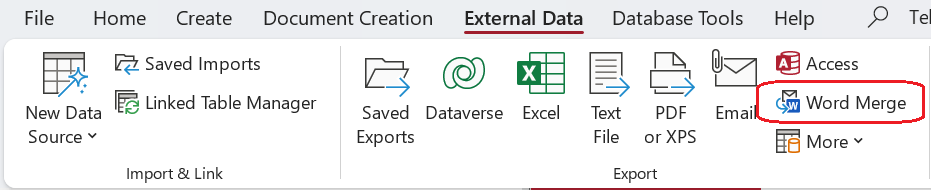
If your data are stored in Microsoft Access, you can initiate a Word Mail Merge which is commonly used to produce output while merging Access data into a Word mail merge document. Here we compare this built-in feature with the Access Mail Merge Microsoft Access extension. I begin with a summary of the found differences, this is followed with by a differences table with more details.
Word Mail Merge: print output or send emails
Word Mail Merge is particularly good at what the feature originally was designed for: personalized mailing a set of contacts, either using print output (letters, labels, envelopes) or by sending emails. Its focus then is recipients whereas with document creation it is data in general. Word mail merge does not support data merge into other document types such as an Excel spreadsheet or the creation of a Pdf document. The whole mail merge process definition process can be saved as part of the Word document in which it was created, allowing for later reuse.
Access Mail Merge: Word, Excel and PowerPoint
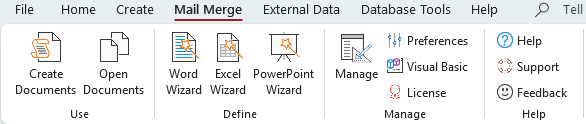
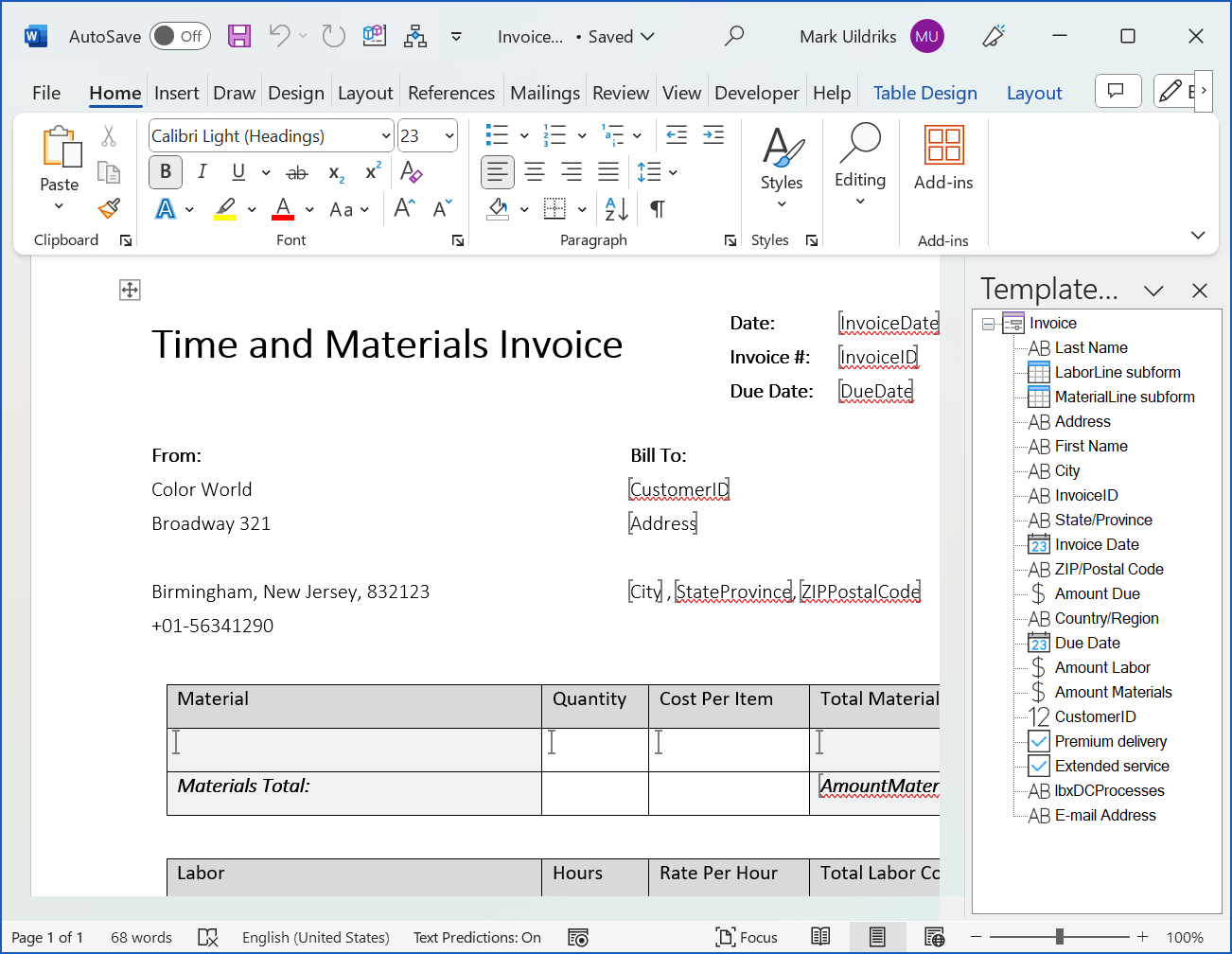
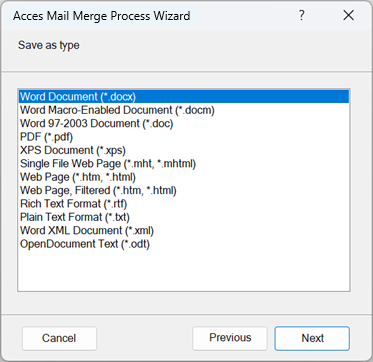
Contrary to Word Merge, Access Mail Merge makes plain Office documents. It supports Word, Excel and PowerPoint. While Word mail merge only allows the use of simple text fields, in DC the documents can be of any complexity, possibly containing tables and checkboxes. It is easy to indicate for which records you want to create the documents for using the current record or record selectors in the open Access object. You can automatically save documents in a required format and have them easily found and reopened within the MS Access application.
To save or not to save (distinct documents)
Word mail merge considers it’s output as transient (prints, sent email) – editing a document and subsequent saving as a distinct Word document has to be done manually – as an afterthought. Processing a selection of the records in the data source is not easy as one needs to know the begin and end number of the selection. A mailing (print or email) once started can only be stopped the hard way using task manager.
Integration in your MS Access application
While Word Mail Merge is a built-in feature, allowing no adaptations, Access Mail Merge produces a complete system built in VBA that as such is both adaptable and can be fully integrated in the Access application.
External data providers (SQL Server and SharePoint)
Both Word Mail Merge and Access Mail Merge can be connected to (and provide services to!) many different external data providers such as SQL Server and SharePoint. The former via odc files, the latter via linked tables.
Differences table
| Features | Access Mail Merge | Word Mail Merge |
|---|---|---|
| Supported applications | Creates Word documents, Excel spreadsheet, PowerPoint presentations, support for direct printing will be added. |
Print Word. |
| Supported documents | Both simple and complex can be such as invoices, reports, contracts, etcetera | Primarily concerned with mailings: Letter, email, envelope, label, directory |
| Supported file types | Pdf, HTML, csv, etcetera – all types supported by the application used. | Saving not supported |
| Supported data elements | In addition to text and numeric values (optionally formatted) tables, lists and checkboxes. | Text representing a value |
| Supported data source | Table, Query Form (also split-, sub-forms and datasheets) – allowing for defining a complete View for the data that need to be merged into the document, |
Table, Query |
| Determine records to process | Directly from the active data source: All, current record or selected records | Basically all records will be included in the merge. Filtering beforehand in Access is not supported. |
| Abort processing | Progress meter with Cancel button | not supported |
| Template editing environment | Native application (Word, Excel, PowerPoint) with Template Designer add-in. | Word is used both for Word documents |
| Preview merged document | supported | supported |
| Editing the filled document | Created documents are editable by design | Edit individual letters… makes them available as editable documents. |
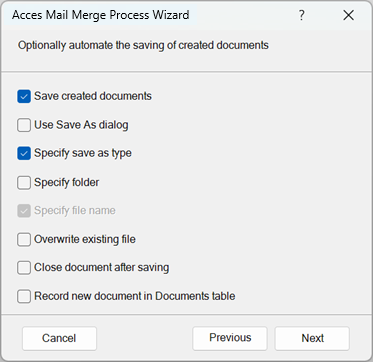
| Saving documents | Extensive capabilities for automated document naming and storage | The documents after Edit individual letters… can be manually saved |
| Recording data for saved documents | In case of automatic saving of documents, date, author and a hyperlink to the document are recorded in a Documents table – if required. | Not supported |
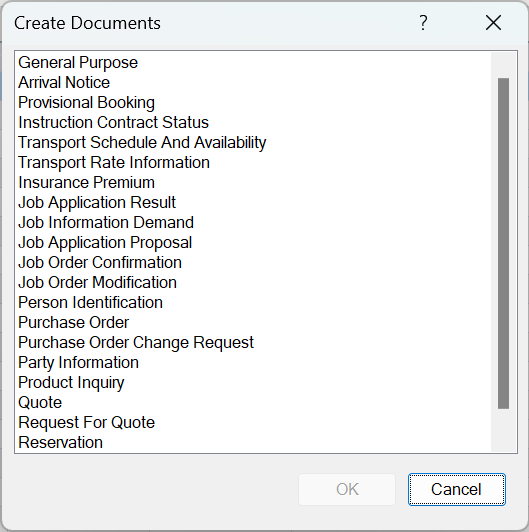
Access Mail Merge – screenshots
Filtering the data source
When wanting to create multiple documents from a some list, it is not uncommon to want to apply the process to a subset of the records, e.g. send a mail to only employees working for a certain department.
If you apply a filter the Access data source and then try to start Word Merge, you get a message ‘The object must be saved before Mail Merge can begin‘. This is a serious usability problem, as you generally don’t want to have the object saved – which is AKO altering the system – just to have the filter applied – filtering should leave the database objects untouched.
Access Mail Merge automatically creates the documents for the filtered set. You can even define processes to create for the current record or selected records only.